Qatar Visa Inquiry – Official Method Explained
If you are looking to check the status of your visa for Qatar, the Qatar Visa Inquiry process allows you to do this online through official government channels. Whether you have applied for a tourist, business, or family visa, you can confirm your application using your passport number and visa reference number. This article explains the official method, required information, and how to interpret your visa status.
Who Can Use the Qatar Visa Inquiry
Anyone who has applied for a visa to Qatar can use the Qatar Visa Inquiry system. This includes:
- Tourists planning to visit Qatar
- Business travelers entering for meetings or conferences
- Family members sponsored for visits
You will need your passport number and the visa application or reference number issued during your application process.
Official Portal for Visa Inquiry
Qatar’s Ministry of Interior (MOI) provides an online portal for visa inquiries. Through this portal, you can:
- Verify whether a visa has been approved
- Check visa validity dates
- Download your visa if it has been issued
The portal is accessible on both mobile devices and desktop browsers, making it convenient for applicants inside and outside Qatar.
Step-by-Step Guide to Checking Visa Status
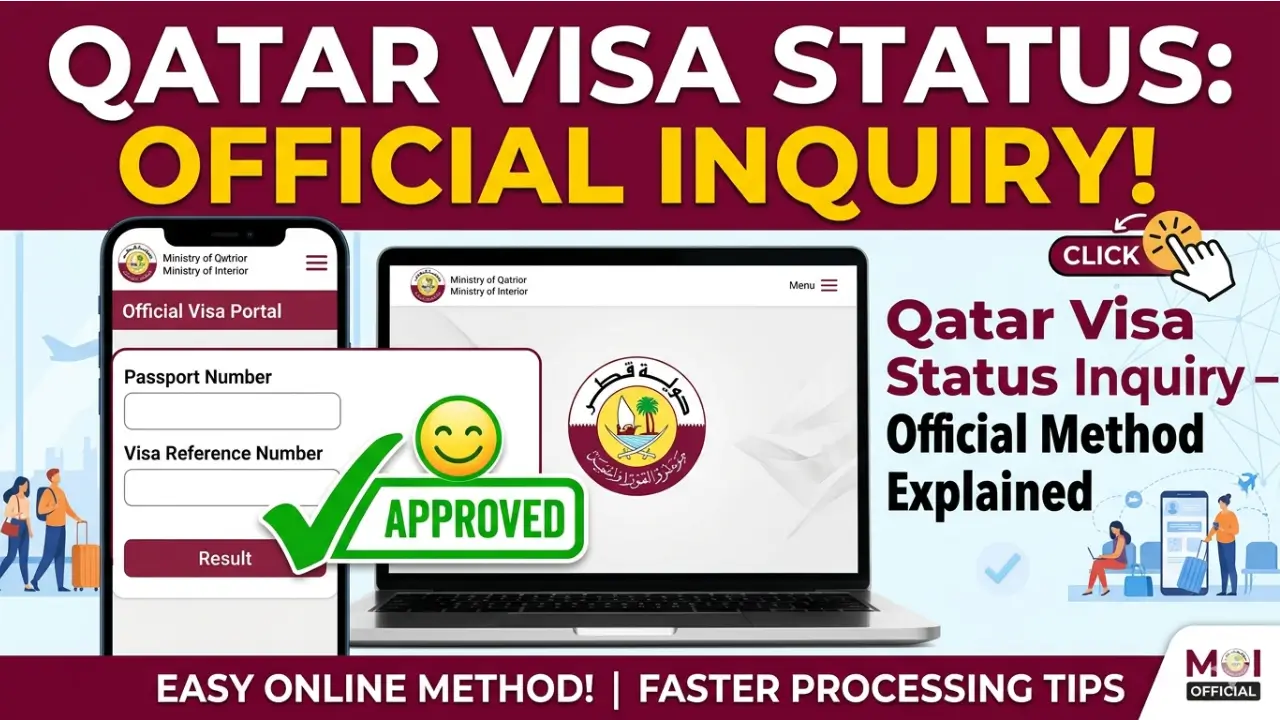
- Visit the Ministry of Interior visa portal.
- Select the Visa Inquiry option.
- Enter your passport number and visa application number.
- Complete the security verification, such as a CAPTCHA.
- Submit the form to view the current status of your visa.
The portal will display your visa status as Approved, Pending, or Rejected.
Understanding the Different Visa Statuses
The Visa Inquiry may show different statuses:
- Pending – The application is still being processed.
- Approved – Your visa has been issued and can be downloaded.
- Rejected – The application did not meet the requirements. Contact your sponsor for details.
Requirements for a Smooth Visa Inquiry
Before using the portal, ensure you have:
- Passport number as listed in your passport
- Visa application or reference number
- Full name as shown on the passport
If you applied through a travel agency or company, they can provide the reference number for easier tracking.
Tips for a Successful Online Inquiry
- Use a stable internet connection to avoid errors.
- Keep a digital or printed copy of your visa approval.
- Contact your sponsor if the status shows Pending longer than expected.
- Only applications submitted through official channels can be checked.
- Processing times vary depending on visa type and nationality.
- Refresh the browser or use a different device if the portal does not load correctly.
Quick Reference Table
| Required Detail | Where to Get It | Notes |
|---|---|---|
| Passport Number | Passport | Must match exactly |
| Visa Reference Number | Sponsor or agency | Needed for inquiry |
| Visa Status | MOI Portal | Pending, Approved, Rejected |
| Visa Copy | MOI Portal | Downloadable if Approved |
Contacting the Ministry of Interior
If you face issues with the Visa Inquiry, you can reach the MOI call center or visit a service center in Qatar. They can help with:
- Correcting application details
- Resolving delays in approval
- Technical problems on the portal
Frequently Asked Questions
Can I check my visa without the application number?
No, the online inquiry requires the reference number. Contact your sponsor or travel agency for assistance.
How long does a visa take to process?
Tourist visas usually take 2–5 working days. Business and family visas may take up to two weeks depending on document completeness and applicant nationality.
Is the online status valid for travel?
Yes, an approved visa shown on the portal is valid. Print or save the e-visa for airline and immigration checks.
Conclusion
Using the official Qatar Visa Inquiry portal ensures you can track your visa status easily without visiting MOI offices. Having your passport and reference number ready helps make the process faster and smoother.